Specialist software. Practical control.
Alloy wheel CNC software.
Built around your workshop.
Alloy wheel CNC software shaped by over 10 years of CNC maintenance and repair experience. Download X1 Smoother and X1 CNC Control, then find the guidance to make them part of your workshop.
01 / Profile preparation
X1 Smoother 4.1.26 · Latest
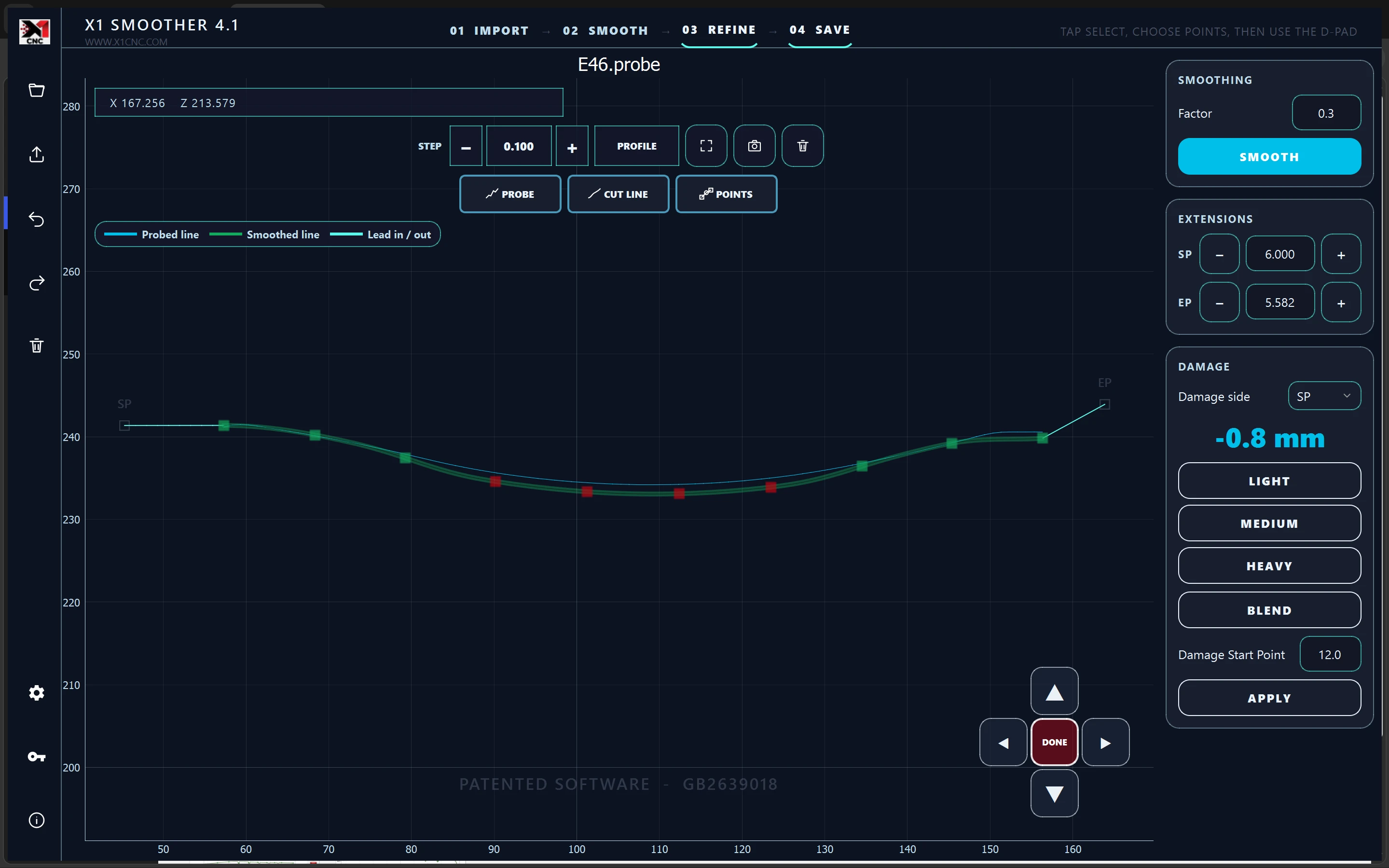
Refine the profile. Control every adjustment. Prepare alloy wheel profiles with interactive smoothing, damage blending and precise editing tools that keep the complete shape in view.
Windows installer · Version 4.1.26
Enter your company details when you first open the software.
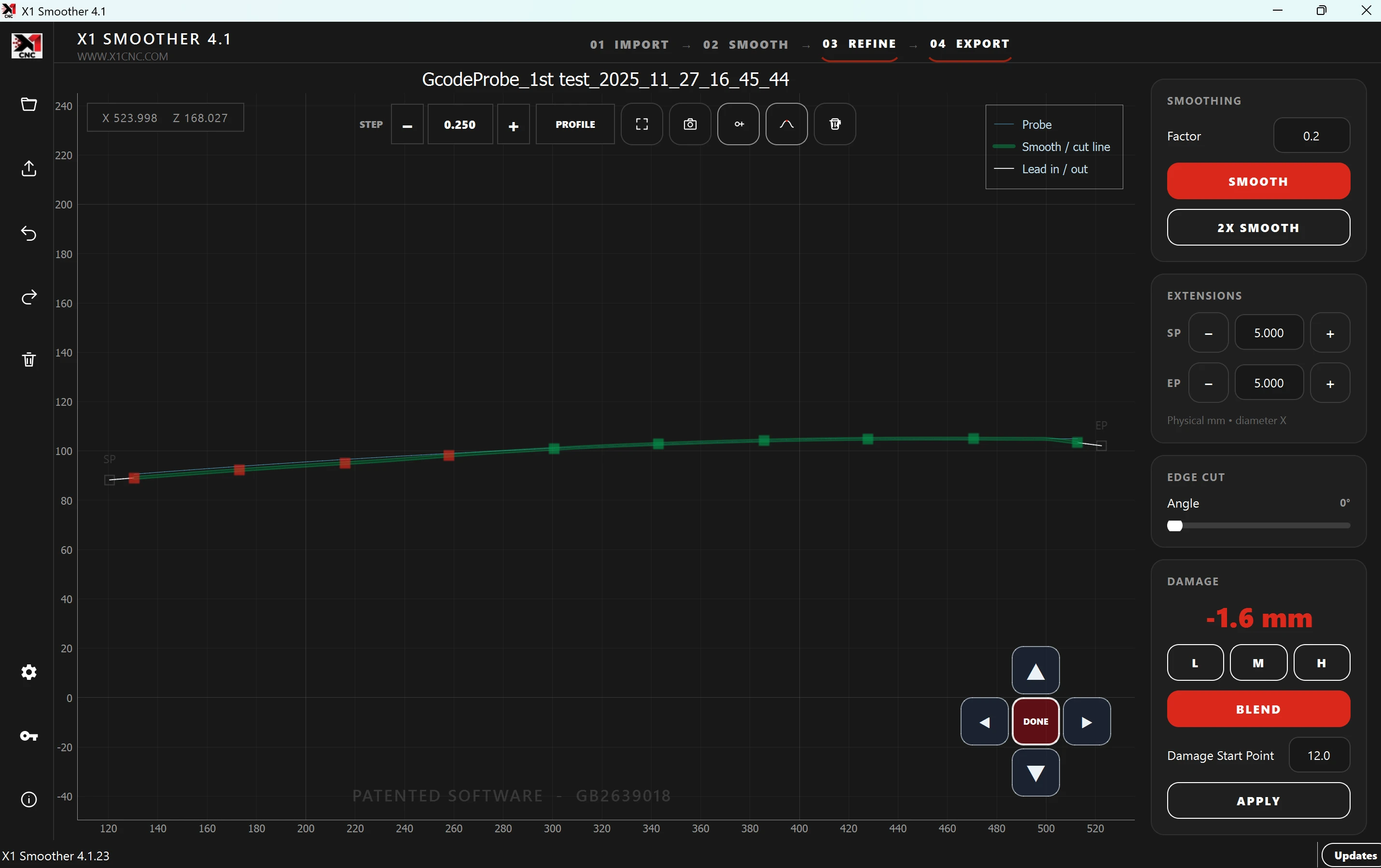
Small moves. Defined steps.
Use the arrows to nudge selected points by your chosen step in millimetres. Make a local correction while keeping the surrounding profile visible.
Shape the approach.
Drag the lead-in and lead-out extensions to suit the profile. Review the transition into and out of the cut before exporting.
Keep your workflow.
Import a supported profile, smooth and refine it, then export for your CNC software. X1 Smoother works alongside compatible existing software.
Make it your workspace
Clear editing. A familiar setup.
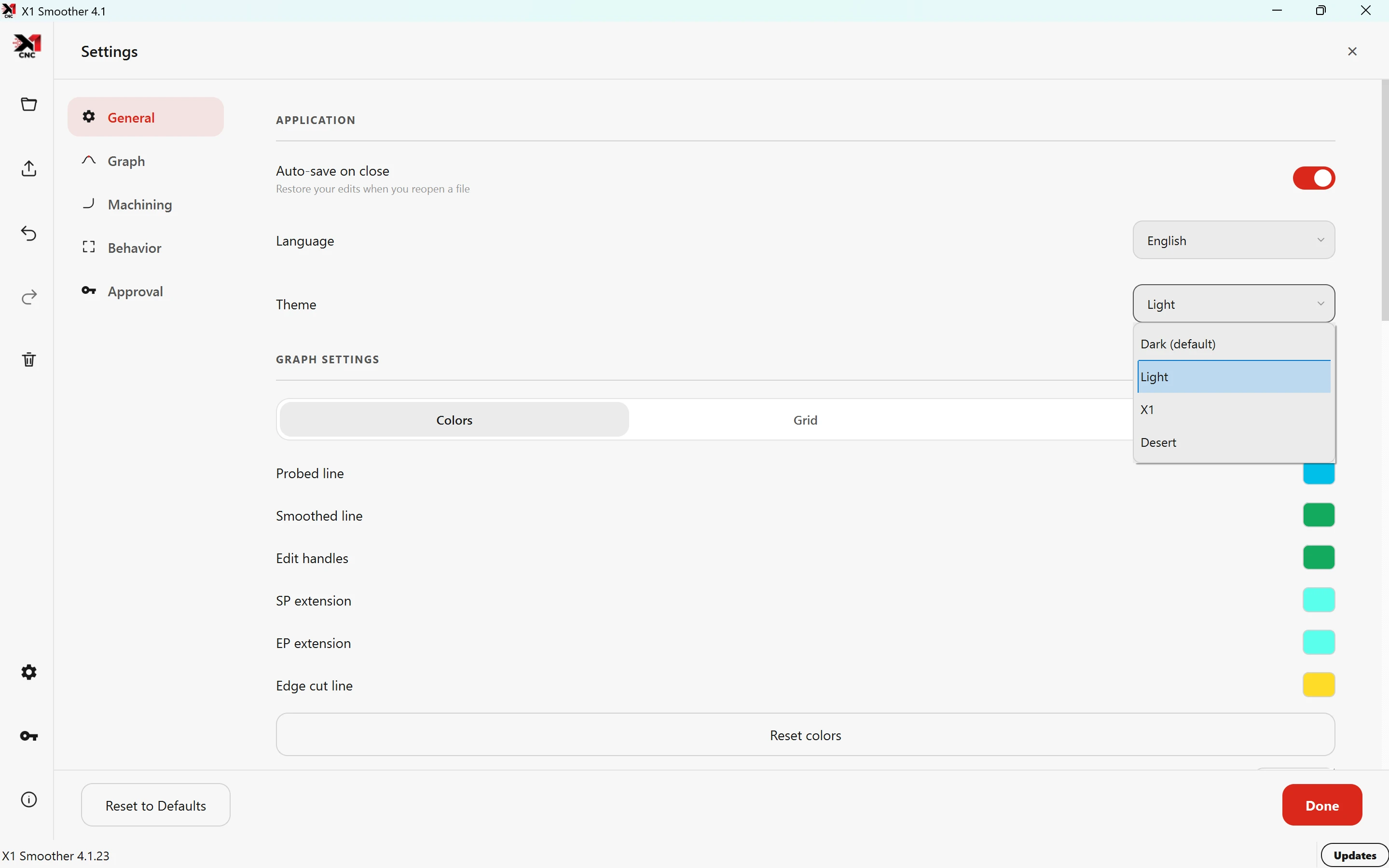
Choose the theme and graph colours that suit your screen. Adjust smoothing, refine selected areas and blend kerb damage through a focused interface.
Run the Windows installer, follow the setup steps and enter your company details. Built-in automatic updates keep the latest available features and fixes within reach.
02 / Machine control
X1 CNC Control System
A clear workflow from probing to cutting. Bring profile capture, refinement and cutting together in a modern interface for supported alloy wheel CNC machines.
Latest Windows installation download
Follow guided setup for your supported machine configuration.
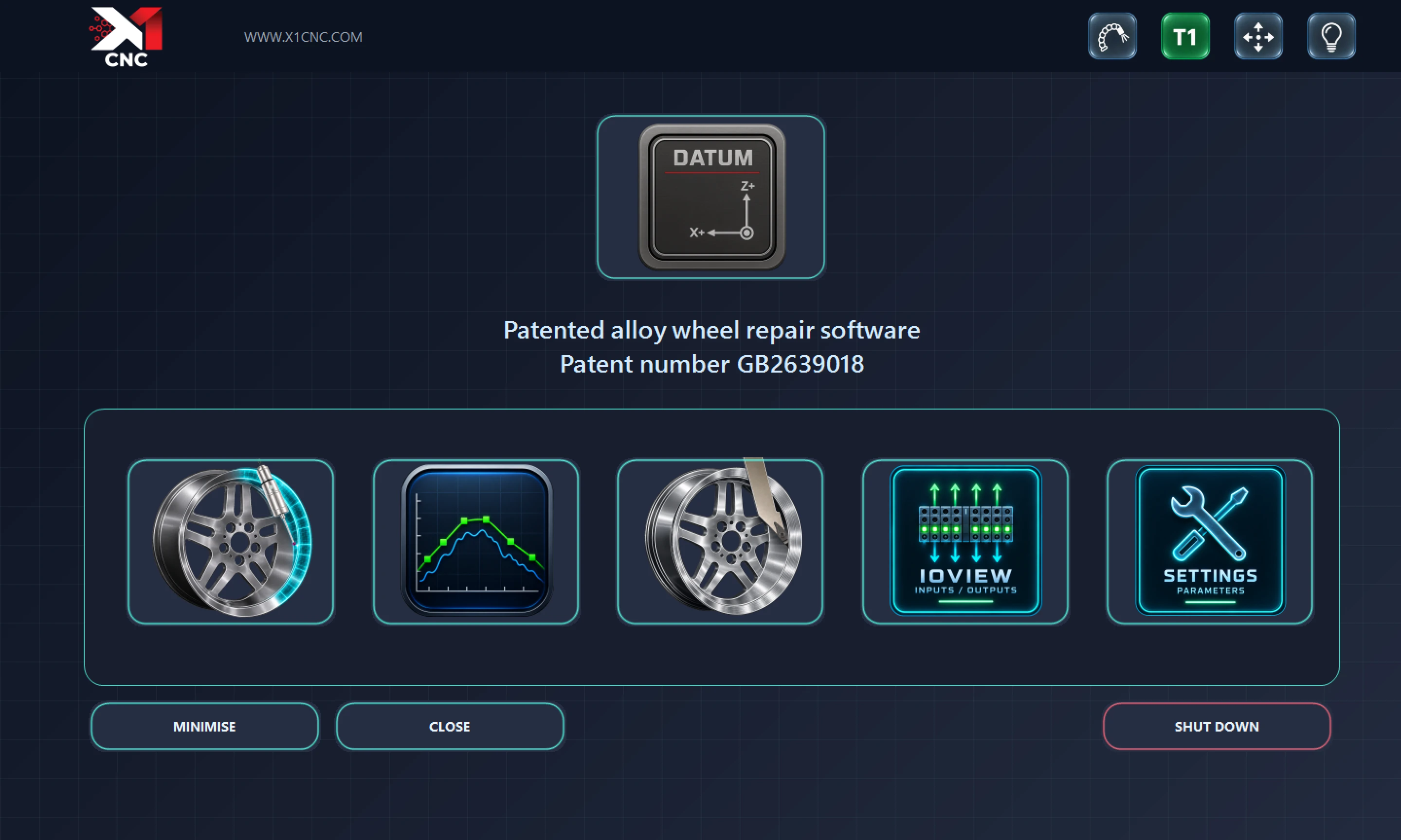
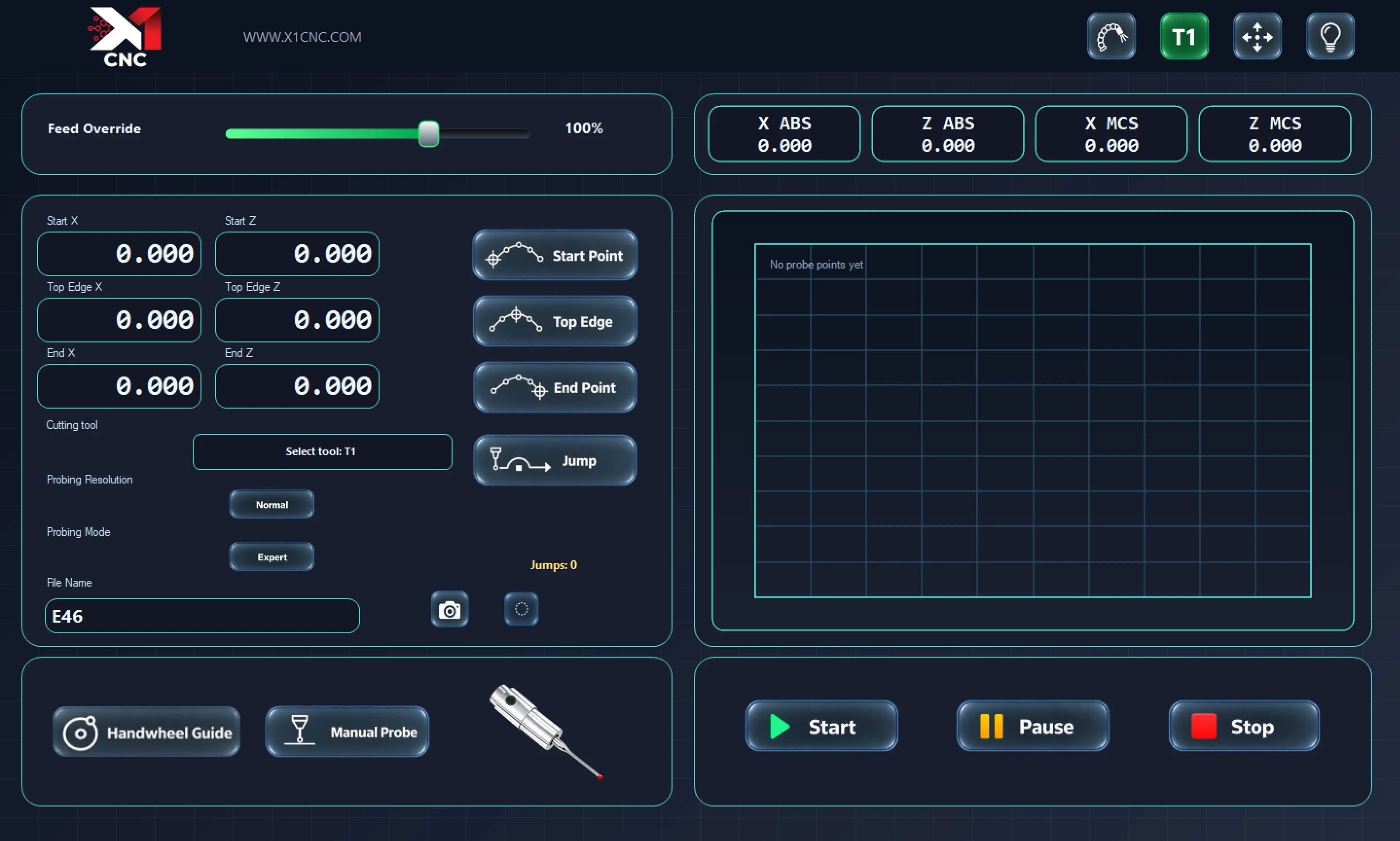
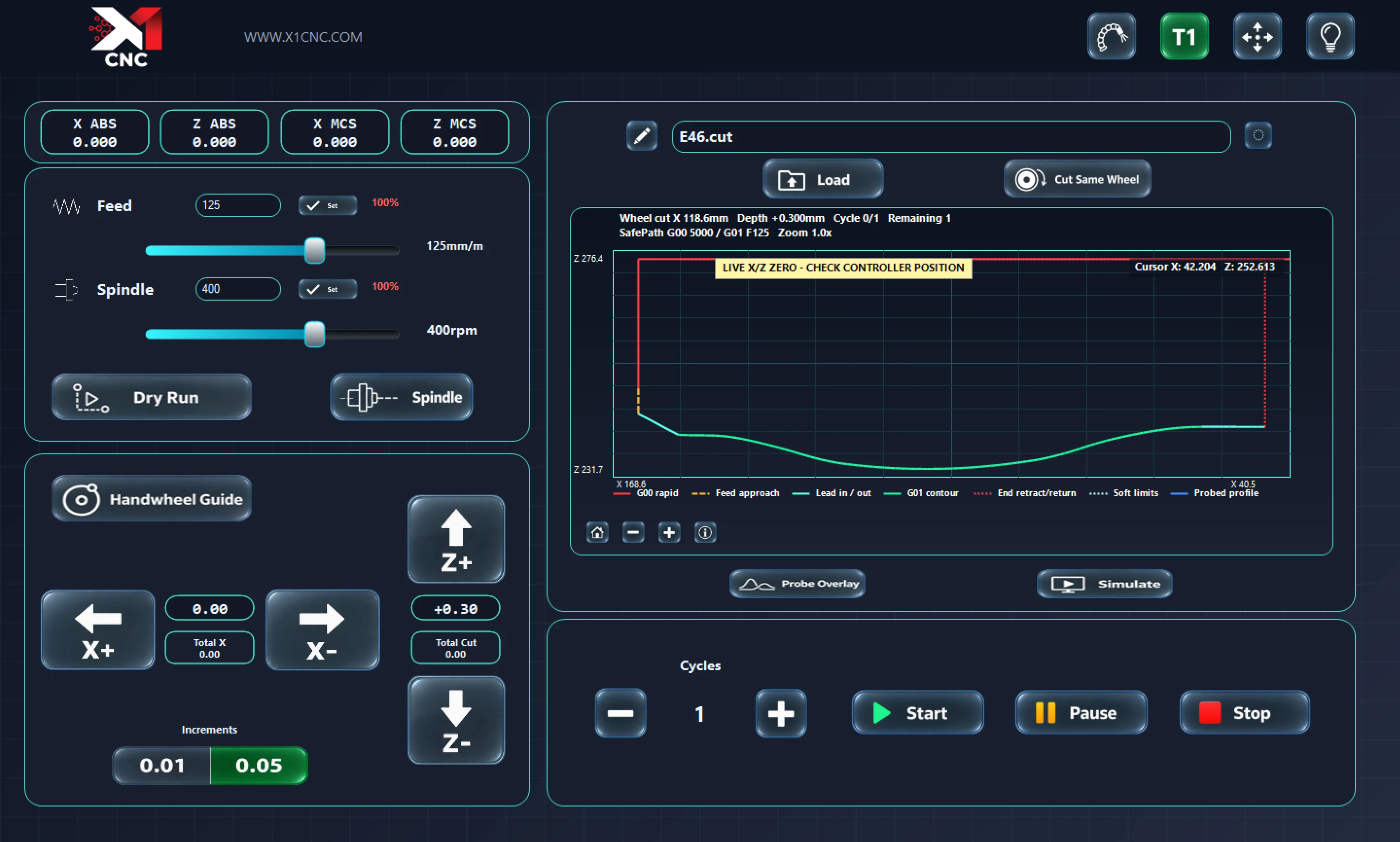
One connected workflow.
Move from probing to profile refinement and cutting within the X1 CNC control application.
A supported setup.
Choose the correct machine configuration during installation. Your existing CNC software can remain installed.
Updates built in.
Receive the latest available X1 software updates without searching for a fresh installer each time.
Straightforward from the start
Download. Install. Get familiar.
Choose your software.
Use standalone Smoother for supported profile files, or X1 CNC Control for a supported machine and controller setup.
Follow guided setup.
Run the installer and enter your company details when prompted. You can keep your existing CNC software installed.
Learn your workflow.
Use the videos and manual to understand the tools. Automatic updates are built into the current X1 software.
Machine & software compatibility
Find X1 for your alloy wheel CNC.
Looking for software for a Vixen, Haishu, AYCE Systems, AYCE Solutions, Gubot, Crystal, Hience, TEMA, GLS, RIWS or APC machine? Explore which X1 workflow fits your setup.
- Vixen
- Haishu
- AYCE Systems
- AYCE Solutions
- Gubot
- Crystal
- Hience
- TEMA
- GLS
- RIWS
- APC
X1 Smoother compatibility depends on the profile-file format. X1 CNC Control requires a supported machine and controller configuration. See the guide for the details to check for your machine.
X1 is developed by Alex Asprey, inventor of the patented alloy wheel profile optimisation technology, with over 10 years of CNC maintenance and repair experience.
That practical knowledge shapes the software: clear workflows, meaningful profile controls and tools designed around the everyday demands of alloy wheel refurbishment.
Good to know